

1. Allocation of access to Airbnb for us
We need access to your Airbnb account for the initial preparation of activating the Channel manager and connecting accommodation units.
2. Creating a co-host account for us
Add us as a "Co-Host" to your Airbnb account according to the instructions here https://www.airbnb.com/help/article/1244
to email:
Please grant us Full access - Can view and edit calendar, manage menu.
Then we can check and prepare everything necessary.
But we cannot activate the connection, unfortunately this is only possible from the main account.
If you create a co-host account for us, after the check we will ask you to step 3 - confirmation of activation from Trevlix.
Next step 3. please do not before you send us a message about creating a co-host account and we ask you to confirm the connection.
3. Confirmation of Channel manager activation from Trevlix
If we only have co-host accesses, we cannot confirm the connection between Airbnb and Trevlix.
In this case, please wait until we prompt you to take the next step.
Note: If you have multiple properties in your Primary Host account and you have previously confirmed a connection to Airbnb from your Primary Host account, please do not reconfirm the connection, just let us know from which Trevlix account the connection has already been approved.
1. In your browser, sign in to your Airbnb account as the primary host - listing owner of the accommodation.
- Attention, activation cannot be done from the Co-Host's account - Co-host does not have permission to activate the Channel manager.
- It is important in the following process not to be signed in to a different Airbnb account than the one you wish to link.
- If you are logged into multiple Airbnb accounts, we recommend that you activate in a new anonymous browser window to be sure that you are not logged into multiple Airbnb accounts.
- If you have more than one listing in your Airbnb account, it is only possible to connect some of them.
- All accommodation facilities (in Airbnb "Listings") that we will connect to the Channel manager must be in an active state, disabled listings cannot be connected.
2. Log in to your Trevlix account in the same browser
3. In Trevlix, click
Settings - Channel manager - "Confirm activation" button under the "Airbnb" heading with the gear icon.
(If you do not see the "Confirm activation" button here, the activation is not ready yet and do not proceed further.)
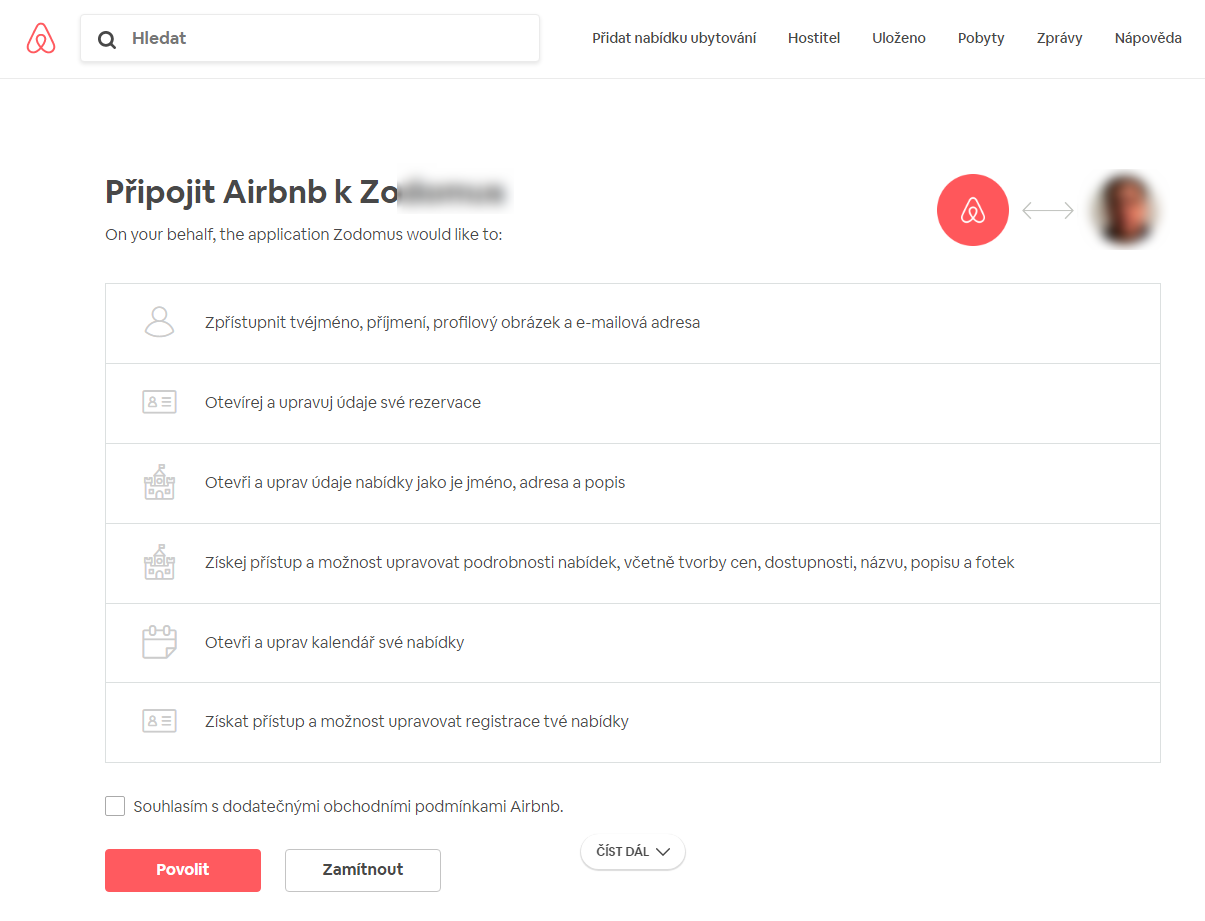
4. The Airbnb connection process will open for you - see preview. Click the "Enable" button
5. If a "Host authorization granted confirmation page appears after approval, then the connection has been approved.
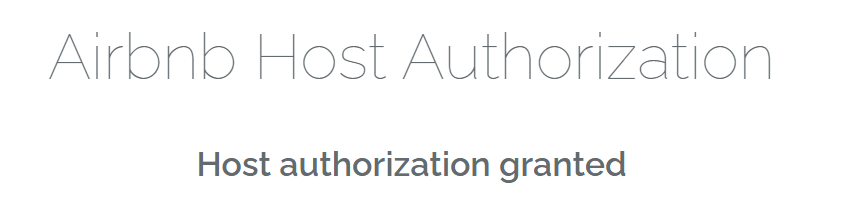
6. After seeing this successful authorization message, please close the page, do not refresh /update and do not click the "Confirm Activation" button again
7. Then inform us as soon as possible of confirmation of approval so that we can complete the initial setup and data exports.